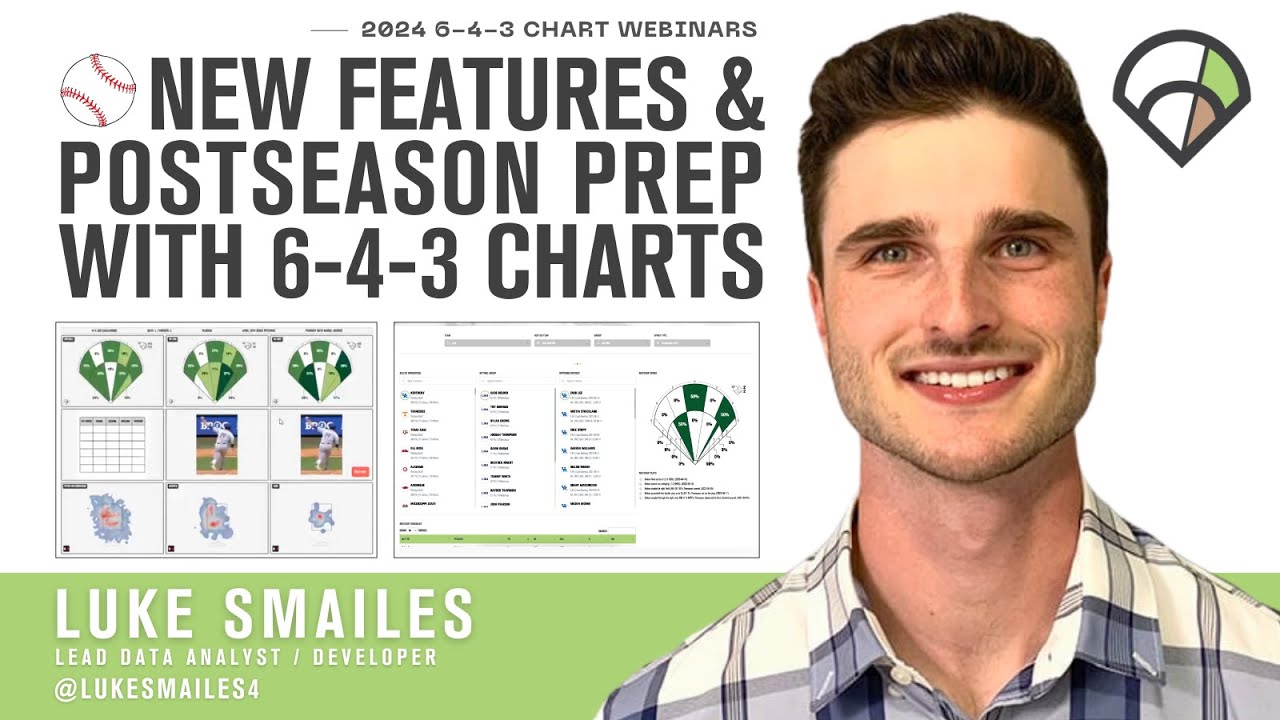
NEW FEATURES
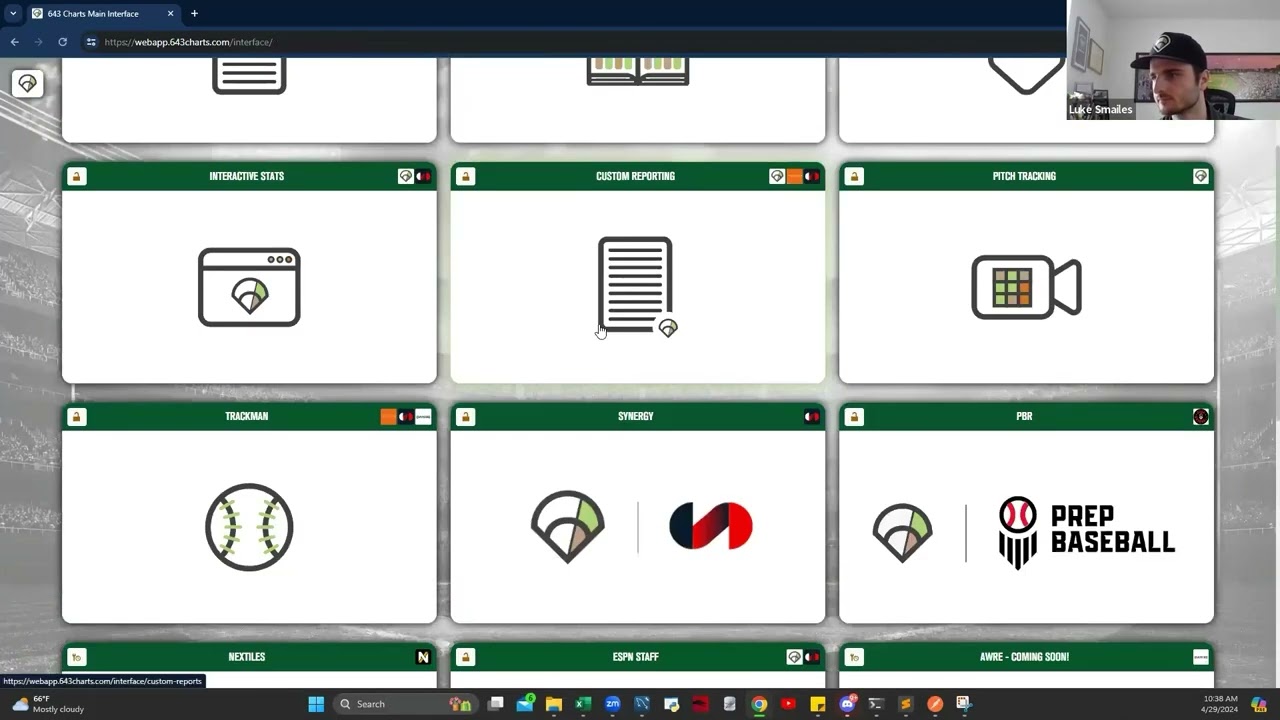
New Drop Zone Capabilities In Custom Reporting (with Practical Examples)
TL;DW
- The Drop Zone feature allows users to upload any image from their computer into their custom reports, expanding customization options.
- Ideal use cases for the Drop Zone include visualizing defensive shifts, comparing arm slots on different pitch types, and player development reports.
- Users can optimize their report layout to accommodate the visuals uploaded via the Drop Zone feature.
- The uploaded images scale to fit the selected cell, ensuring a neat and comprehensive report.
Custom Team-Level Bulk Reporting – Taking Advantage of the New Feature
TL;DW
- The new Team-Level Bulk Custom Reporting feature allows users to generate reports for multiple players at once, saving time and reducing manual selection.
- Users can select players from a specific team or roster season, with data sourced from either the Synergy roster system or the 643 roster system.
- Despite the bulk data loading process taking longer, the overall time saved from reduced manual individual selection and clicks makes this feature more efficient.
POSTSEASON PREP
Leveraging Matchup Filters
TL;DW
- Matchup Filters allow users to filter data based on conference, opponent, or individual player, providing insights on player performance in specific contexts.
- The filters can be used to evaluate how a player has performed against specific conferences or opponents, assisting in strategic planning for upcoming games.
- The Synergy video player can be used in conjunction with the matchup filters to create and access video playlists, aiding in visual analysis and training.
Utilizing the Player vs Player for Matchup Insights
TL;DW
- The Player vs Player tool provides in-depth play-by-play data and synergies to analyze past performances and strategize for future matchups.
- The tool offers a holistic view of all matchups, and can pull up synergy video where available, aiding in comprehensive analysis.
- The tool can generate PDFs for quick reference in the dugout, aiding in making quick decisions on the fly based on historical matchup data.
Transfer Portal Recruiting Tools With 6-4-3 Charts

Hitting and Pitching Models in TrackMan SYNC
