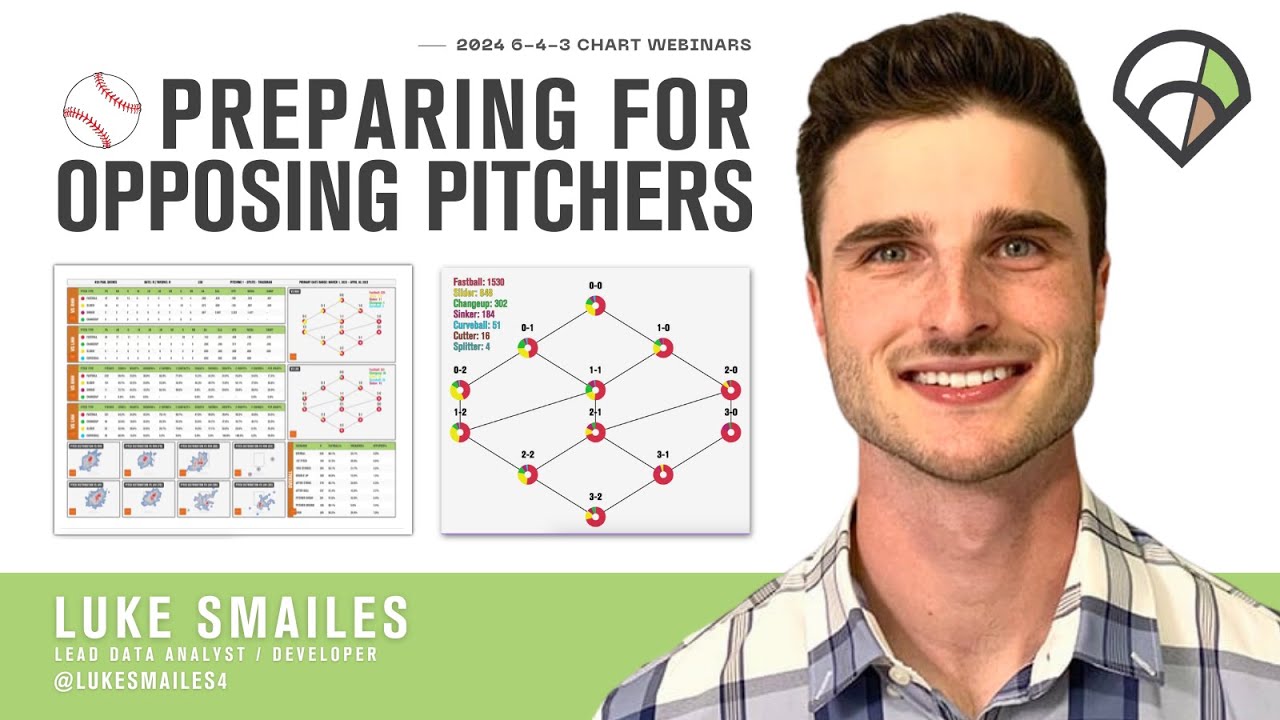
Setting Up Custom Reports To Prepare For Opposing Pitchers


TL;DW
- Custom Reporting allows users to gather in-depth data visualizations from multiple sources, all in one report.
- The tool provides numerous options for report customization, including pitch distribution, plate discipline, and batted ball tendencies.
- Users can create tailored heatmaps to analyze pitch usage, location, and effectiveness, helping to identify areas where a pitcher excels or struggles.
Analyzing Control and Location with Pitch Highlighter


TL;DW
- The Player Percentile Rankings tables in Pitch Highlighter provide a comprehensive view of a pitcher’s performance com, including their strikeout rate, zone contact, and swing and miss rate.
- Analyze pitcher’s performance metrics and play discipline tables to easily understand their command and pitch effectiveness.
- Use the Pitch Highlighter tool in the 643 Synergy tile to view specific pitches and visually identify any patterns or tells in the pitcher’s delivery.
Heatmaps for Scouting Pitcher’s Performance


TL;DW
- The Heatmaps tool in the 643 Synergy tile can be used to analyze the distribution of pitch types, providing insights into a pitcher’s strengths and weaknesses.
- Corresponding Synergy video playback allows users to better understand a pitcher’s actual delivery on different pitch types and pitch locations.
Weighted Heatmap Matchups


TL;DW
- Weighted Heatmaps provide a broad view of where pitches play well or poorly. It’s beneficial to analyze this data pitch-by-pitch.
- Using the Matchup Filter can reveal how a pitcher’s tendencies align with a certain hitter’s strengths and weaknesses, guiding strategic in-game decisions.
Visualizing Pitch Sequencing


TL;DW
- The Pitch Sequencing tool in 643 Synergy allows users to analyze an opposing pitcher’s preferred pitches in various scenarios.
- The platform displays a pitcher’s preferred pitch in different counts, providing insights into their comfort pitch and how they diversify their pitch mix.
- Users can also examine specific two-pitch sequences and their effectiveness, aiding self-scouting efforts and enabling more informed decision-making during games.
TrackMan SYNC’s Pitch Highlighter Tool


TL;DW
- In the Pitch Highlighter tool in TrackMan SYNC, TrackMan data provides objective metrics on pitch characteristics, offering insights into why certain pitches perform well or poorly.
- Open Synergy video and pair it with TrackMan data for a comprehensive view of a pitcher’s arsenal, including velocity, spin, and break profiles.
TrackMan SYNC’s Pitcher Arsenal Tool


TL;DW
- Review movement profiles and release points to assess the deception and efficiency of a pitcher’s arsenal.
- Player Development: Analyze variations in pitch types over seasons to identify adjustments or developments in a pitcher’s approach.
Pitching Models

TL;DW
- Utilize advanced metrics Stuff+, Command+, and xRV+ to evaluate overall pitch quality and effectiveness.
- Analyze trends over time to assess the impact of changes in pitch mechanics or strategy on performance outcomes.
